QR Code Menu for Food Trucks
Updated November 21, 2026
A QR code menu for a food truck lets guests read your menu on their own phone while they wait in line. You keep one small code on the truck, and the menu behind it changes whenever your offer does.
Why food trucks use a QR code menu
- The menu changes often. When an item sells out or a special changes, you edit the menu, not a printed board.
- A short queue moves faster. Guests who have read the menu before they reach the window order faster.
- Little space on the truck. A sticker or a small sign holds the code. A big menu board is optional.
- Mixed crowds. At markets and events, guests speak many languages. Add languages and AI translates the menu. See the multilingual restaurant menu guide.
Set up a food truck menu
- Create a few categories such as Mains, Sides, Drinks and Specials. A truck menu is short, so keep the list short.
- Add your items with a one-line description and a price.
- Add sizes or extras as price rows with labels, such as "Regular" and "Large".
- Mark sold-out items. Switch an item off with its active switch when it is gone, and on again when you restock.
- Print the QR code and place it. The steps are in the guide on how to create a QR code menu.
One code for every day
The code always opens the same address. When you change the menu, the guest sees the new version the next time they scan. A new special or a new price needs no new code, so the sticker on the truck stays as it is.
Allergens and dietary labels
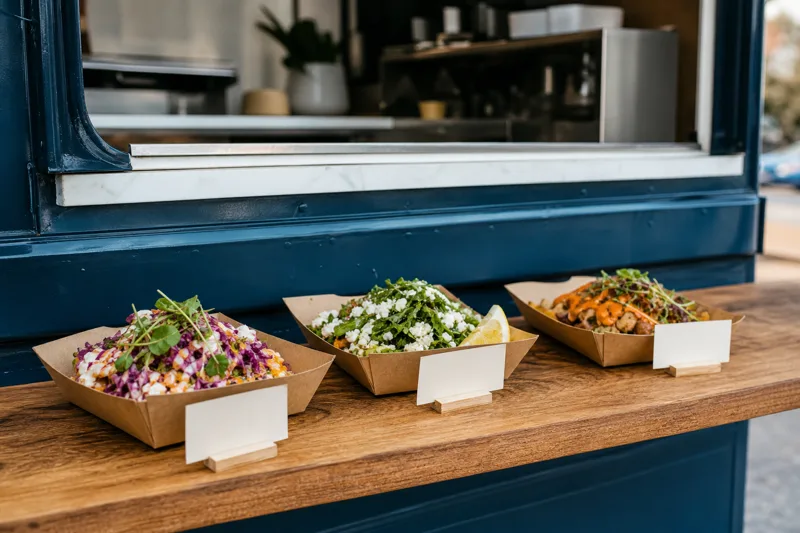
Mark each item with its allergens and characteristics, for example vegan, gluten-free or spicy. Guests see the labels in the dish details, in their language. Rules for allergen information differ from country to country, so check what applies to you. The guide to allergen information on a menu explains the label types.
Keep your truck look
Add your logo and choose colors and fonts that match your truck. Which style options you can use depends on your plan.
Where to place the QR code on a food truck
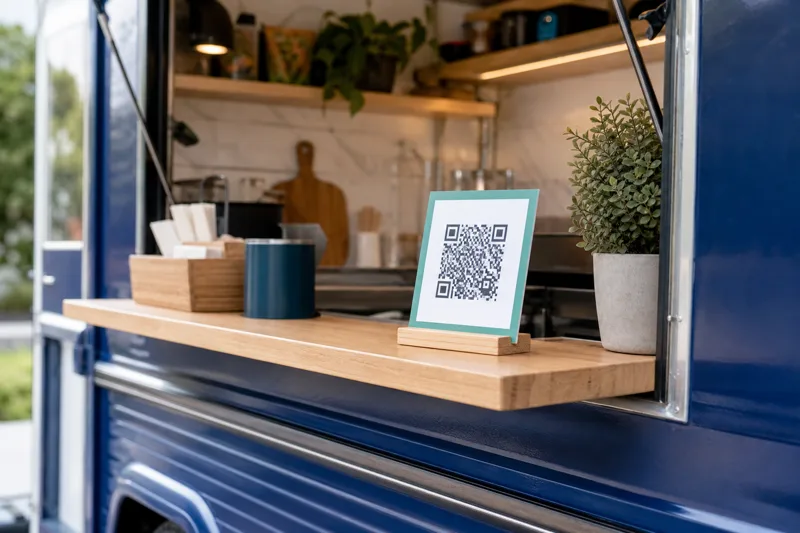
- At the serving window, at eye level.
- At the end of the queue, on a stand or sign, so guests read the menu while they wait.
- On flyers and social media, so people can check the menu before they come.
Print the code large enough to scan from a short distance, and keep a paper menu for guests without a phone. The guide on QR code size for a menu explains how big it should be.
Common questions
How do I mark an item as sold out?
Switch the item off. It disappears from the menu right away. Switch it on again when you have it back.
Can I offer different sizes?
Yes. An item can have several price rows, each with its own label.
Do guests need an app?
No. The phone camera opens the menu in the browser.
Do I need a new code when I change the menu?
No. The code stays the same. Only the menu behind it changes.
Create your food truck QR code menu with MenuHatch
Build your menu, add your languages and print the QR code. Start with a free trial, no commitment.
Start free trial See pricing