QR Code Size for a Menu
Updated November 9, 2026
The right QR code size for a menu depends on how far away the guest scans from. A card on the table and a sign in the window need very different sizes. This guide gives you a rule of thumb, the sizes you can print from MenuHatch, and a short test before you print a full set.
A rule of thumb: distance divided by ten
A common guideline says the width of a QR code should be about one tenth of the distance it is scanned from. These are starting points, not guarantees, so always test:
- Table card, scanned from about 30 cm: at least 3 cm, and 5 to 7.5 cm is comfortable.
- Counter stand, scanned from about 50 cm: about 5 cm or more.
- Wall sign, scanned from about 1 m: about 10 cm.
- Window sign, scanned from 2 to 3 m: about 20 to 30 cm.
Sizes in the MenuHatch dashboard
The dashboard creates a PDF of your QR code in the size you choose, in centimeters. The default is 7.5 cm. Up to 4.6 cm the sheet holds 20 codes. Above 4.6 cm it holds 12. Print the sheet, cut out the codes and place them. For a larger sign, make the code larger and test it from the distance where guests will stand.
Placement and size go together
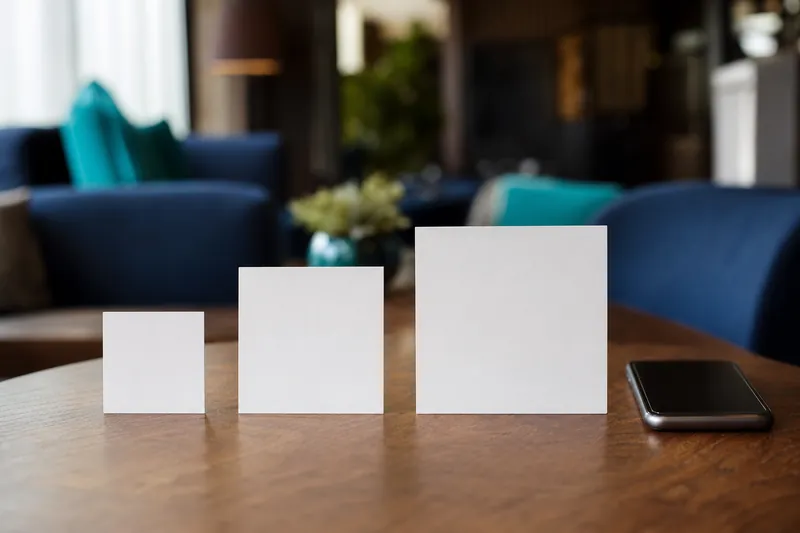
Choose the size by where the code goes:
- On the table: one code per table, 5 to 7.5 cm.
- At the counter: a stand next to the till or the bar.
- At the entrance: a larger code for guests who look before they come in.
- In the window: only if you want passers-by to scan, and then large.
More on where to put the code in the best practices.
A code that is too small for its place is a common reason guests give up. If you are unsure, choose the next size up. A card that is 7.5 cm wide fits on most tables, and a larger code at the entrance is easier to read from further away. When you place the code, check it from the guest seat, not from where you stand, because the distance and the angle are different.
What else affects scanning
- Contrast. A dark code on a light background. Some phones struggle with a light code on a dark background.
- A blank margin around the code. Leave a clear border, about as wide as a few squares of the code.
- A flat surface. Curved or very shiny surfaces reflect light and distort the code.
- A sharp print. A blurry or low-resolution print makes scanning slow.
- Light. Test in the dimmest spot of your room.
Test before you print a full set
- Print one code at the size you chose.
- Scan it with two different phones from the distance where guests will scan.
- Scan it in the dimmest corner of your room.
- Print the full set only when all three work.
Common questions
What is the smallest QR code I can use on a menu?
Small codes can scan at close range, but they leave no room for a poor print. Use at least 3 cm for a table card.
Is a bigger code always better?
A bigger code scans from farther away. On a small table a very large code looks odd and takes space, so choose the size by the scanning distance.
Can I use the same code for the table and the window?
Yes. The code points to the same menu. Make it larger for the window.
Do I have to reprint when the menu changes?
No. The code points to the menu page, not to a fixed list of dishes.
Print your QR code menu with MenuHatch
Build your menu, choose your code size and print the PDF. Start with a free trial, no commitment.
Start free trial See pricing