Contactless Menu for Restaurants
Updated November 1, 2026
A contactless menu lets guests read your menu on their own phone instead of a shared paper copy. They scan a QR code at the table, the menu opens in the browser, and nobody has to touch anything. You edit the menu in one place, and every guest sees the current version.
What a contactless menu is
- A QR code on the table, the counter or the door. The phone camera reads it.
- A menu page that opens in the browser. Guests do not install an app.
- The same menu for everyone. You edit it once and every guest sees the current version.
Contactless menu, paper menu or PDF?
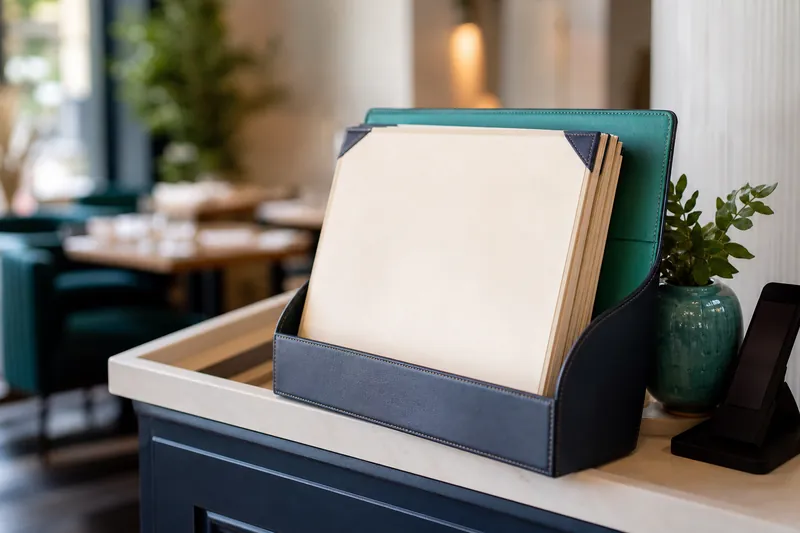
- A paper menu goes from hand to hand, wears out, and is wrong the day a price changes. Reprinting costs money and time.
- A PDF behind a QR code removes the sharing, but a PDF has to be pinched and zoomed on a phone, and it only changes when you upload a new file.
- A contactless menu page fits the phone screen, opens dishes in a popup, can show several languages, and changes the moment you save.
Think about an ordinary Friday: a dish runs out at eight, a supplier raises a price, a tourist asks for the menu in German. With a paper menu each of these means a handwritten note, a reprint or an explanation at the table. With a menu page each one is a change you make once and every guest sees.
Why restaurants switch
- Nothing is shared. No laminated menu goes from hand to hand, and nothing needs wiping down between guests.
- No reprinting. A new price or a sold-out dish is a change in the menu, not a trip to the printer.
- Guests read in their own language. You can add languages and let AI translate. See the guide to a multilingual restaurant menu.
- Allergen and dietary labels travel with the dish. More in the guide to allergen information on a menu.
How it works with MenuHatch
- Build your menu. Create categories and subcategories, then add dishes with a description, a price and, if you like, a photo. Everything you add stays hidden until you switch it on, so you can prepare the menu before it goes live.
- Add languages if you need them. MenuHatch offers 20. How many extra languages you can add depends on your plan.
- Print the QR code. The dashboard shows your menu link and its QR code, and creates a PDF in the size you choose, in centimeters, with several copies per sheet.
- Place it where guests sit. Tables, counter, entrance. The steps are in the guide on how to create a QR code menu.
What guests see
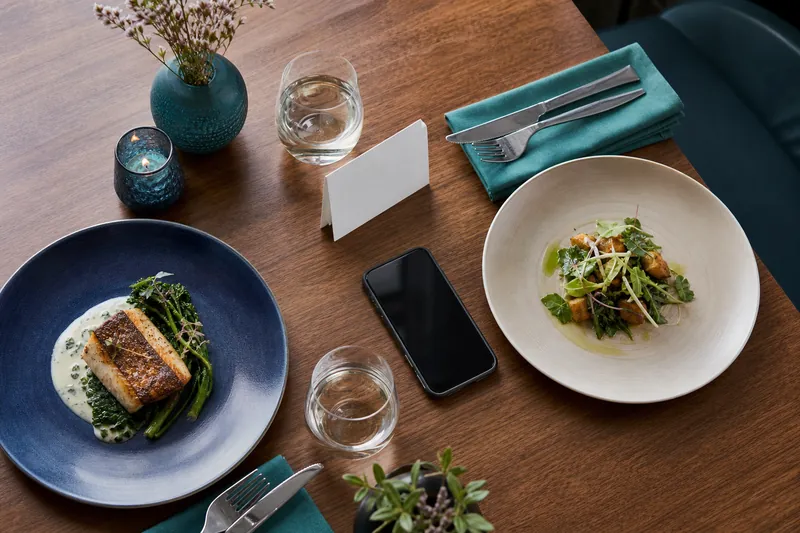
The menu opens on a page that fits the phone screen. Top-level categories are collapsed, and a tap opens the subcategories and dishes. A tap on a dish opens its details: description, prices, and allergen and dietary labels. If you offer more than one language, a language switcher with flags sits at the top, and every language has its own web address. The footer shows your business name, address and phone number.
Guests do not create an account or type anything. They scan, read and put the phone away. Because the menu is a normal web page, they can open it again later or send the link to someone at the table. The page is built for the narrow screen, so there is no pinching and no sideways scrolling.
What you control as the owner
- What is visible. Every category and dish has an active switch. Turn off a sold-out dish and it disappears from the menu.
- Sizes and prices. A dish can have several price rows, each with its own label, such as "Glass" and "Bottle".
- Labels. Allergens, additives and characteristics such as vegan or halal, chosen from lists.
- Languages. Which ones you offer, and whether a name stays untranslated.
- The look. Colors, fonts and logo in the style editor, depending on your plan.
Tips for a smooth start
- Test every printed code with two different phones before you put it out.
- Keep a few paper copies. Some guests prefer paper, and a few have no phone with them.
- Link the menu page, not a PDF. A page fits the screen without pinching and zooming.
- Print the code large enough. The default size in the dashboard is 7.5 cm.
Who uses it
Restaurants, cafes, bars and hotels all use the same idea with different menus. See the pages for cafes, bars and hotels.
Common questions
Do guests need an app?
No. The phone camera opens the menu in the browser.
Do I have to reprint the QR code when the menu changes?
No. The code points to the menu page, so a changed price or a new dish shows up without reprinting.
Can guests order through the menu?
The menu shows dishes, prices and details. Orders are taken by your staff as usual.
Is a contactless menu the same as a PDF menu?
No. A PDF is a file that has to be zoomed on a phone. A contactless menu is a page built for the phone screen.
What if a guest has no phone?
Keep a few paper menus. Most places run both side by side.
Set up your contactless menu with MenuHatch
Build your menu, print the QR code and place it on your tables. Start with a free trial, no commitment.
Start free trial See pricing